Vanilla-style heart display
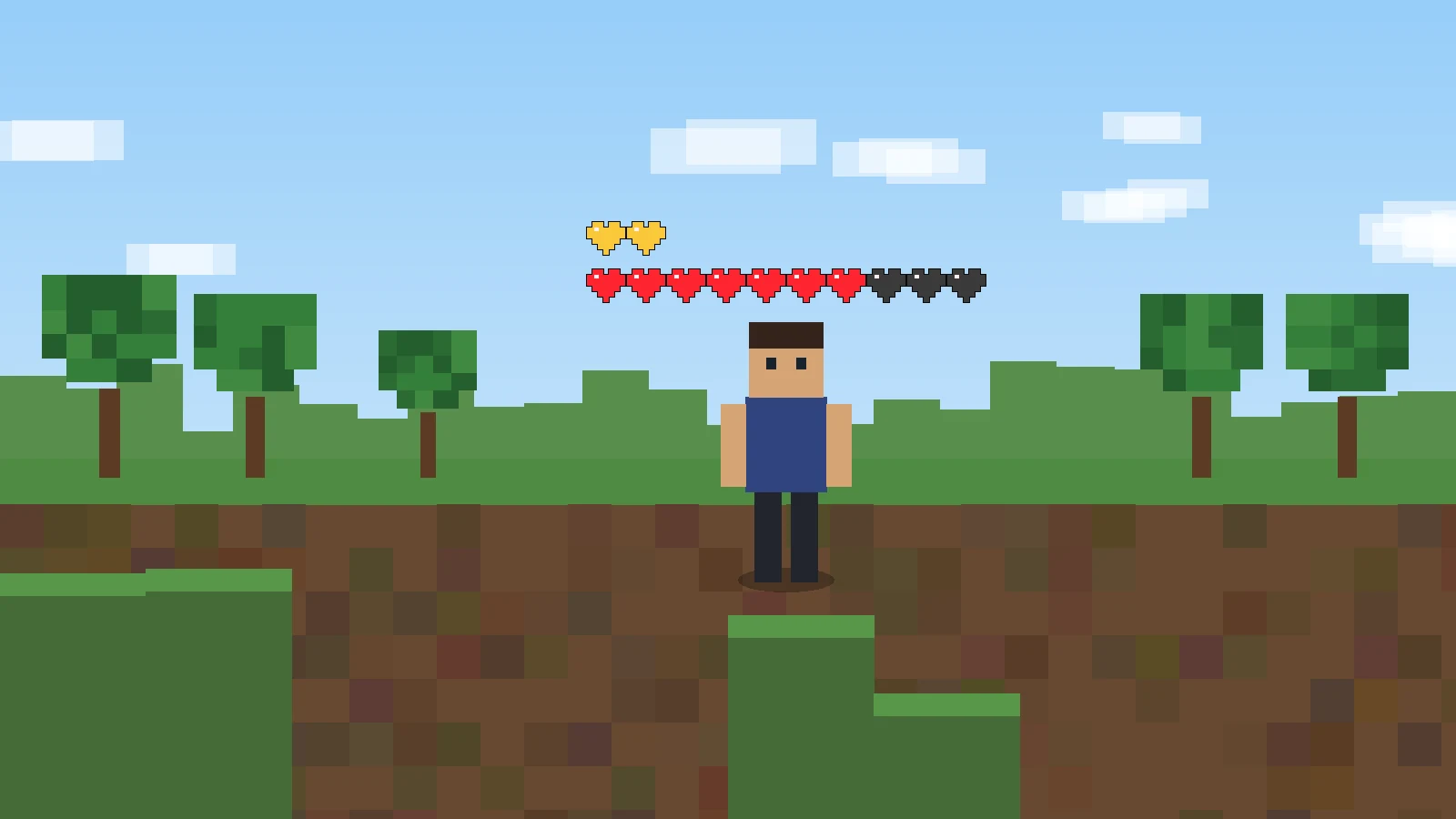
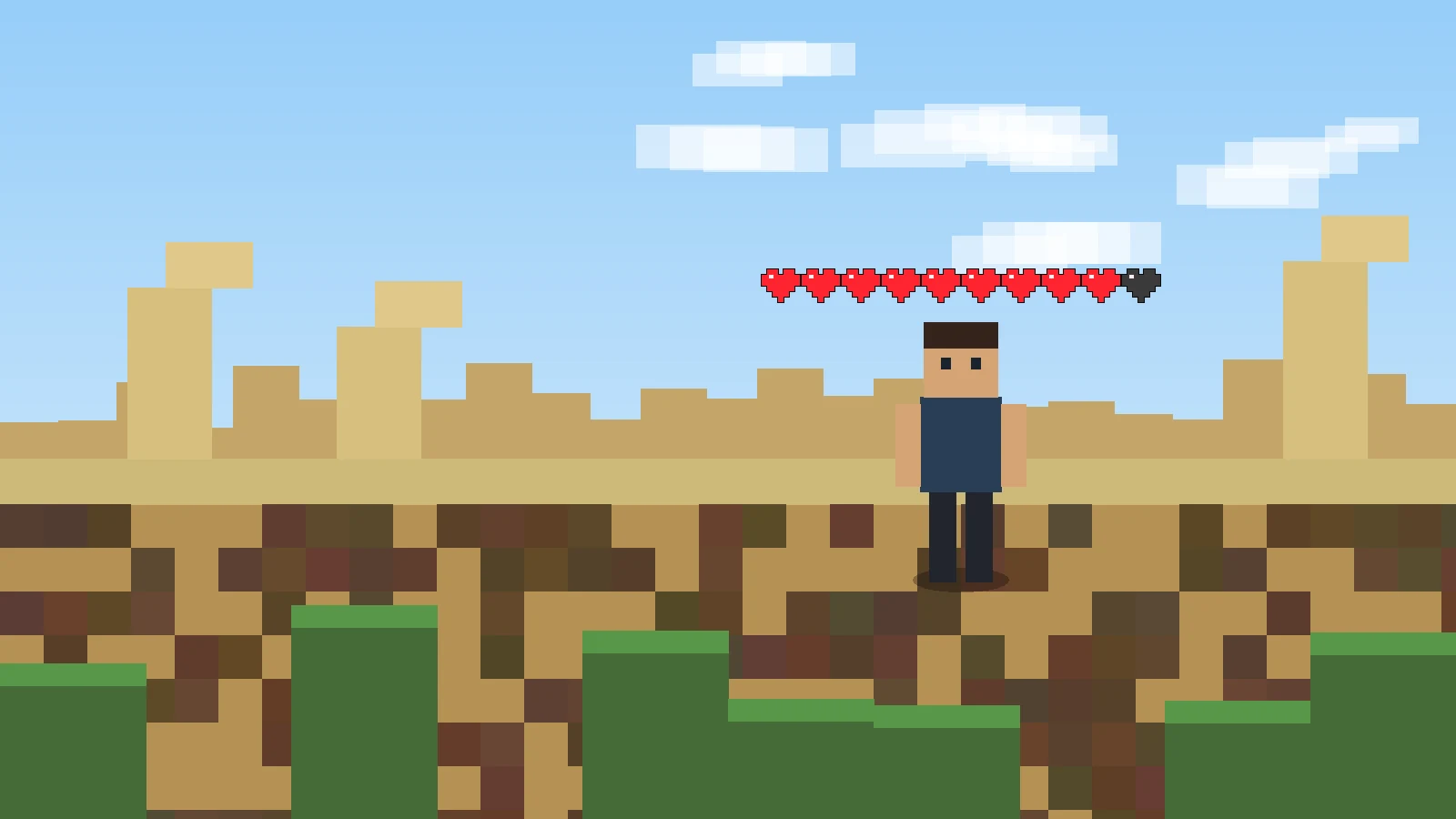
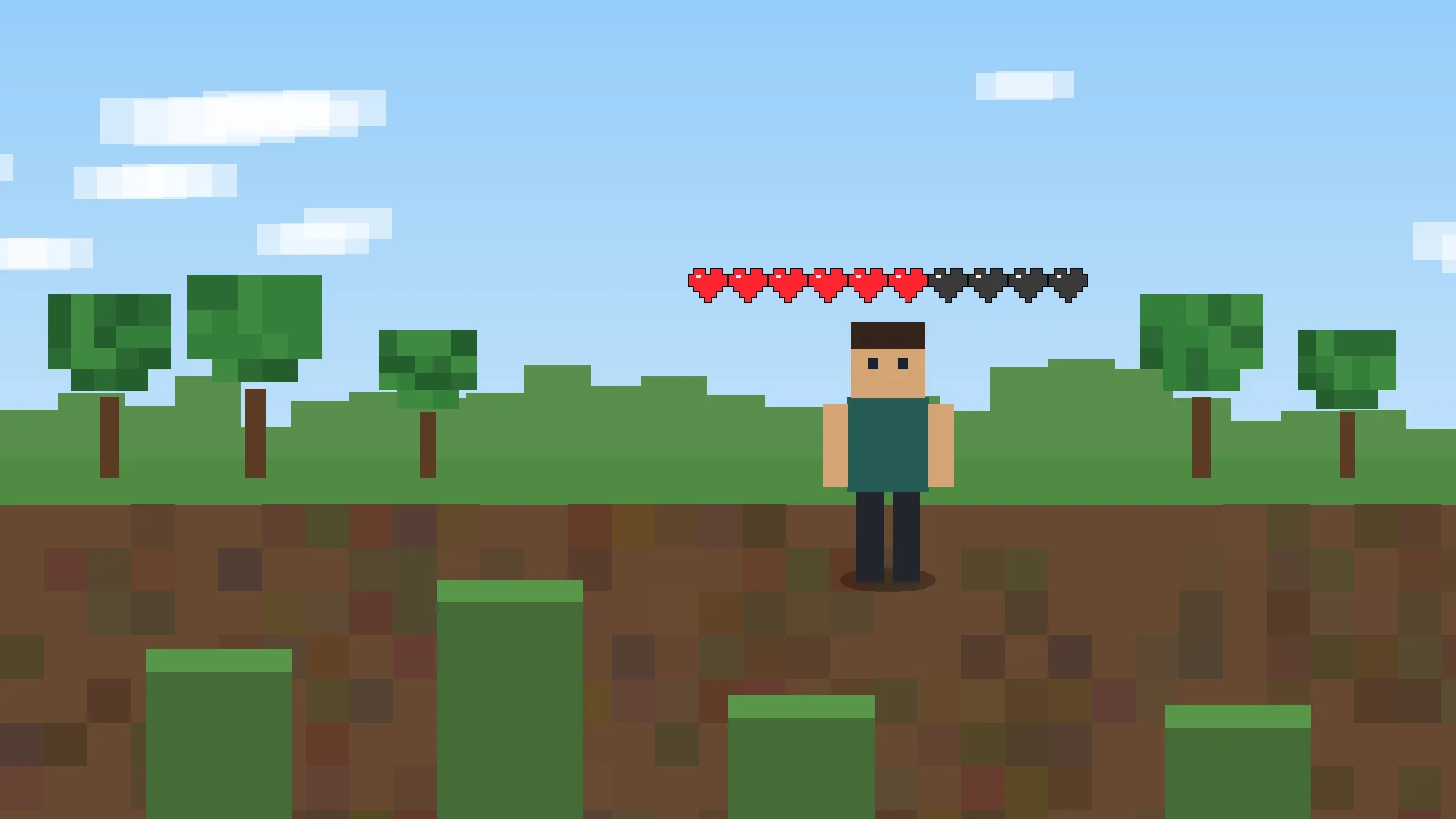
Other players can be shown with heart-based health information above their model, including full, half, and empty heart states tied to their actual health values.
A technical guide to the Player Health Indicators project: how its heart renderer works, what the current 1.21 build requires, which version searches are not officially confirmed, and how to install or troubleshoot it without guessing.
Player Health Indicators renders another player’s health above their name using heart textures rather than a generic progress bar. The renderer reads current health, maximum health, and absorption, then draws full, half, empty, and absorption hearts in the world view.
The project also uses the game’s HUD heart texture source, so a compatible texture pack can influence the visual appearance of the indicator instead of forcing a completely separate visual language.
These are the practical features documented by the project description, release history, and current renderer code—not generic health-mod assumptions.
Other players can be shown with heart-based health information above their model, including full, half, and empty heart states tied to their actual health values.
The indicator accounts for extra health states such as absorption, allowing temporary yellow hearts to be represented separately from normal red health.
The project supports toggling the indicator through controls, while later releases added optional heart stacking and adjustable vertical offset for cleaner placement.
The current renderer hooks into player rendering, checks whether the indicator should be visible, reads health values, and draws the heart sprites above the player model.
The renderer targets other client players and avoids drawing the local player’s own overhead row.
Current health, maximum health, and absorption are converted into full, half, empty, and yellow heart counts.
The hearts are placed above the player model, facing the camera so the indicator stays readable during movement.
Rendering can be toggled, and supported builds can use heart stacking plus a configurable vertical offset.
The project’s published release history currently shows 1.1.1 for Minecraft 1.21 as the latest official release. Public issue activity includes requests for newer point releases, so do not assume that the 1.21 build is automatically compatible with every later 1.21.x version.
Likewise, the supplied project metadata identifies Fabric—not Forge—and it is a Java Edition mod rather than an MCPE/Bedrock add-on.
Download NowThe mod is most valuable when another player’s health state matters faster than opening menus or relying on indirect damage cues.
Read an opponent’s remaining health more directly when the server and client setup allow the indicator to render.
See when teammates are low, boosted, or carrying absorption hearts before deciding whether to push, retreat, or regroup.
Because the project uses HUD-style heart textures, compatible resource packs can keep the indicator visually consistent with the rest of the interface.
The required primary button below uses the supplied GitHub master archive. That target is a source-code ZIP, so it should not be confused with a compiled release JAR. For gameplay installation, verify that the package you use is built for your exact Minecraft and Fabric versions.
Before changing a working profile, back up the instance and confirm the loader, game version, Java version, and Fabric API requirement.
If Minecraft, Fabric Loader, Java, and Fabric API do not launch cleanly on their own, adding the health indicator makes diagnosis harder.
The official latest release is labeled for Minecraft 1.21. A later point release can change mappings or APIs, so verify exact support rather than renaming or forcing a file.
If the game starts but the indicator is absent, first confirm the mod loaded, Fabric API is present, the toggle is enabled, and the target player is not hidden by visibility conditions.
Optional heart stacking and Y-offset control are useful for crowded displays, but they should be tuned after you know the base renderer is functioning.
Back up worlds and profiles before changing mod files. Use only packages whose target version and loader are clear, avoid mixing duplicate builds, and remember that the supplied master ZIP is source code rather than a guaranteed install-ready JAR.
The original project is deliberately focused: it adds player-health information without trying to become a broad combat HUD.
Published July 27, 2024, version 1.1.1 fixed hearts being flipped after the project’s update to Minecraft 1.21.
The 1.1.0 release line added optional heart stacking and the ability to change the vertical offset of the hearts. Earlier releases also included compatibility work across older Minecraft versions.
Newer point-version searches should be checked against actual releases rather than inferred from the 1.21 label. Public issue activity shows users requesting newer 1.21.x updates, which is a useful signal that exact support should be verified.
A clean troubleshooting path identifies whether the problem happens before Minecraft reaches the menu, when the mod loads, or only when the hearts should appear.
Confirm Minecraft version, Fabric Loader, Java, and Fabric API first. Remove the new mod file and verify the baseline profile still launches before testing again.
Check the rendering toggle, confirm you are viewing another eligible player, and test without unrelated HUD or rendering modifications.
Use the supported Y-offset option and heart stacking where available, especially when a nameplate, scoreboard objective, or many hearts share the same vertical space.
Do not assume the official 1.21 release is compatible with 1.21.4, 1.21.7, 1.21.8, 1.21.10, or 1.21.11. Move back to a confirmed version or wait for an explicit matching build.
Read focused guides for common searches without assuming that similarly named versions are interchangeable.
What to verify before using a Forge-targeted build.
Read guide →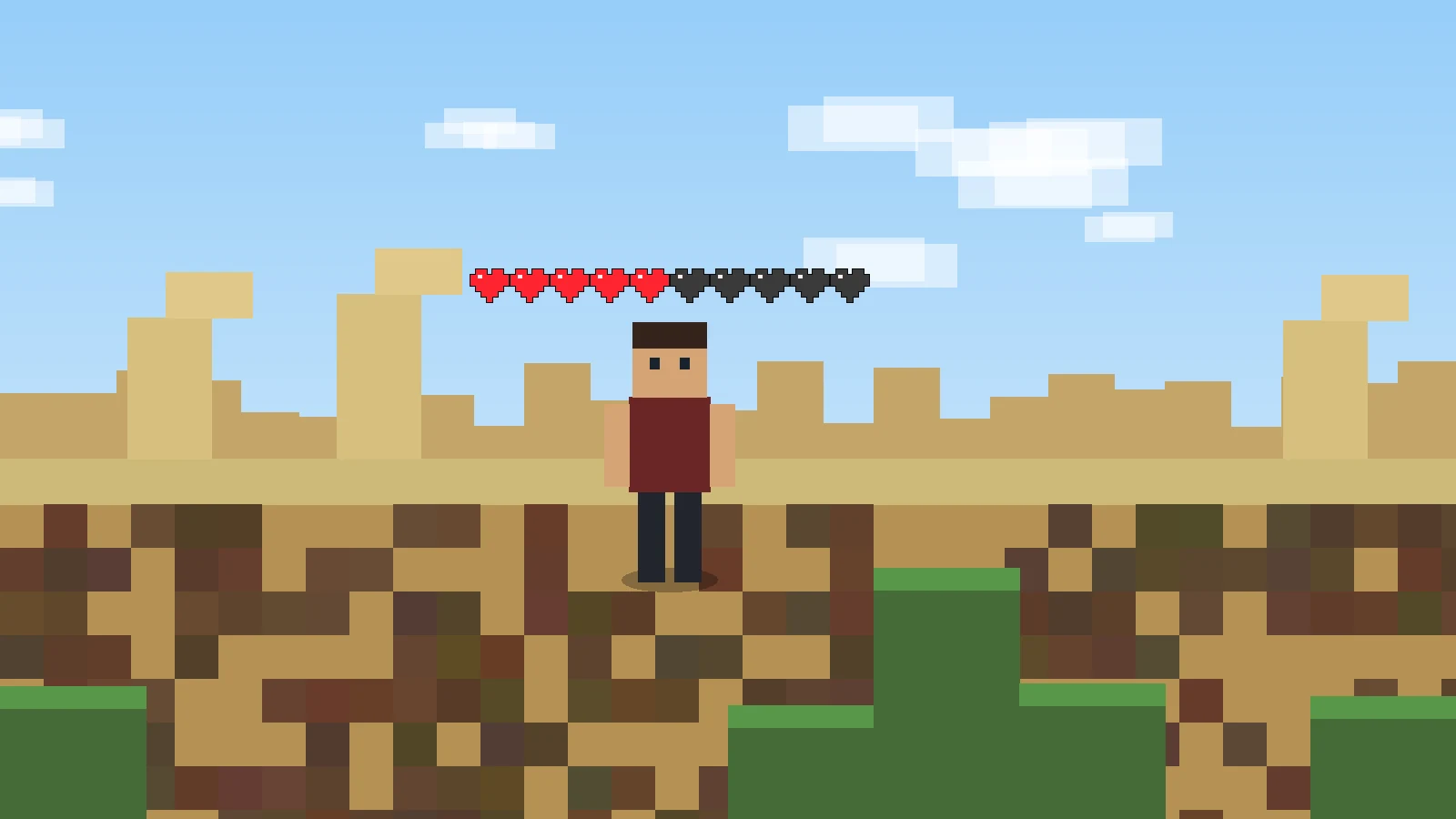
Why older game profiles need their own matching packages.
Read guide →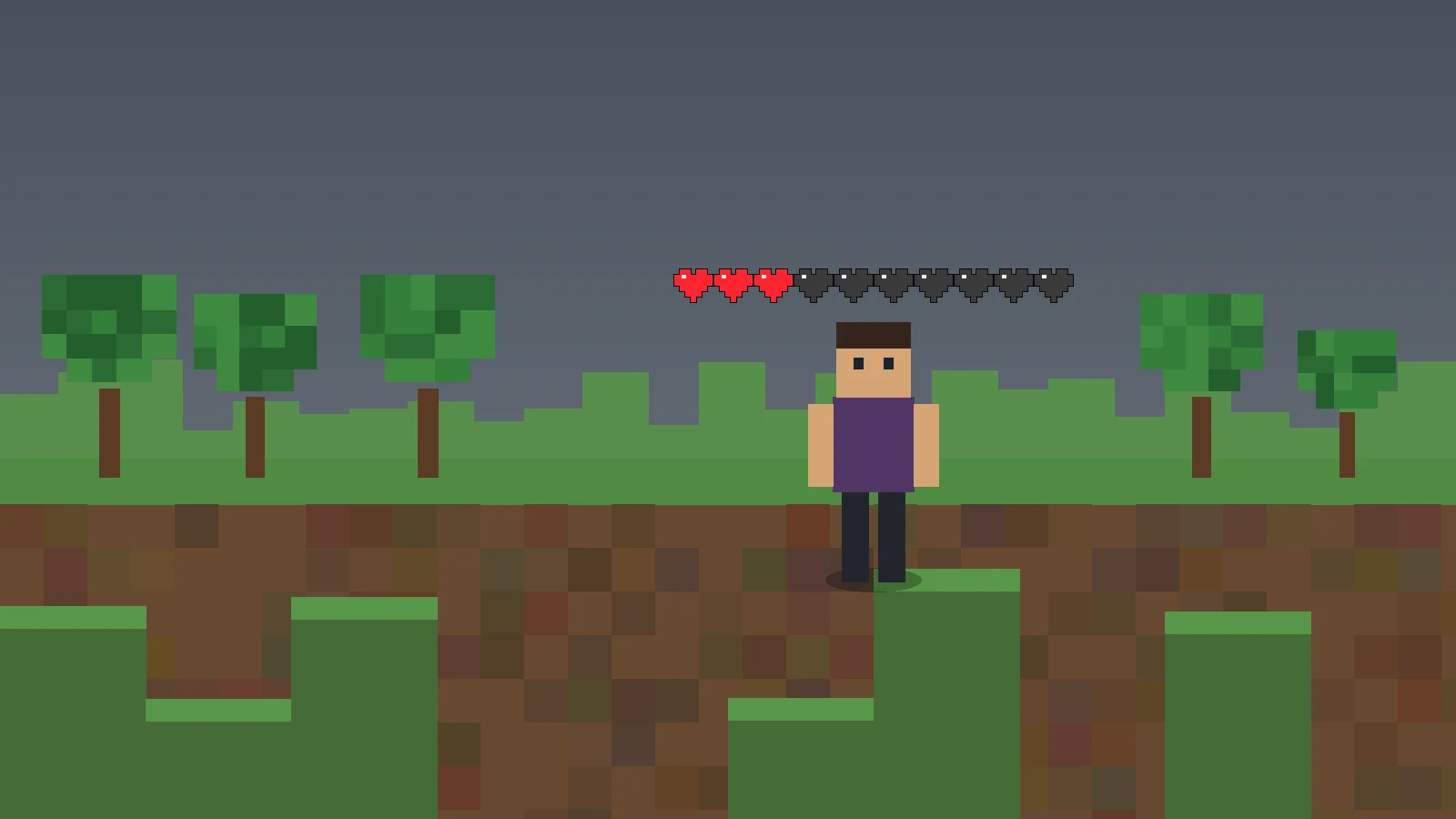
A clean sequence for diagnosing startup and display issues.
Read guide →These answers distinguish confirmed project behavior from common search terms that do not have an explicitly published matching build.