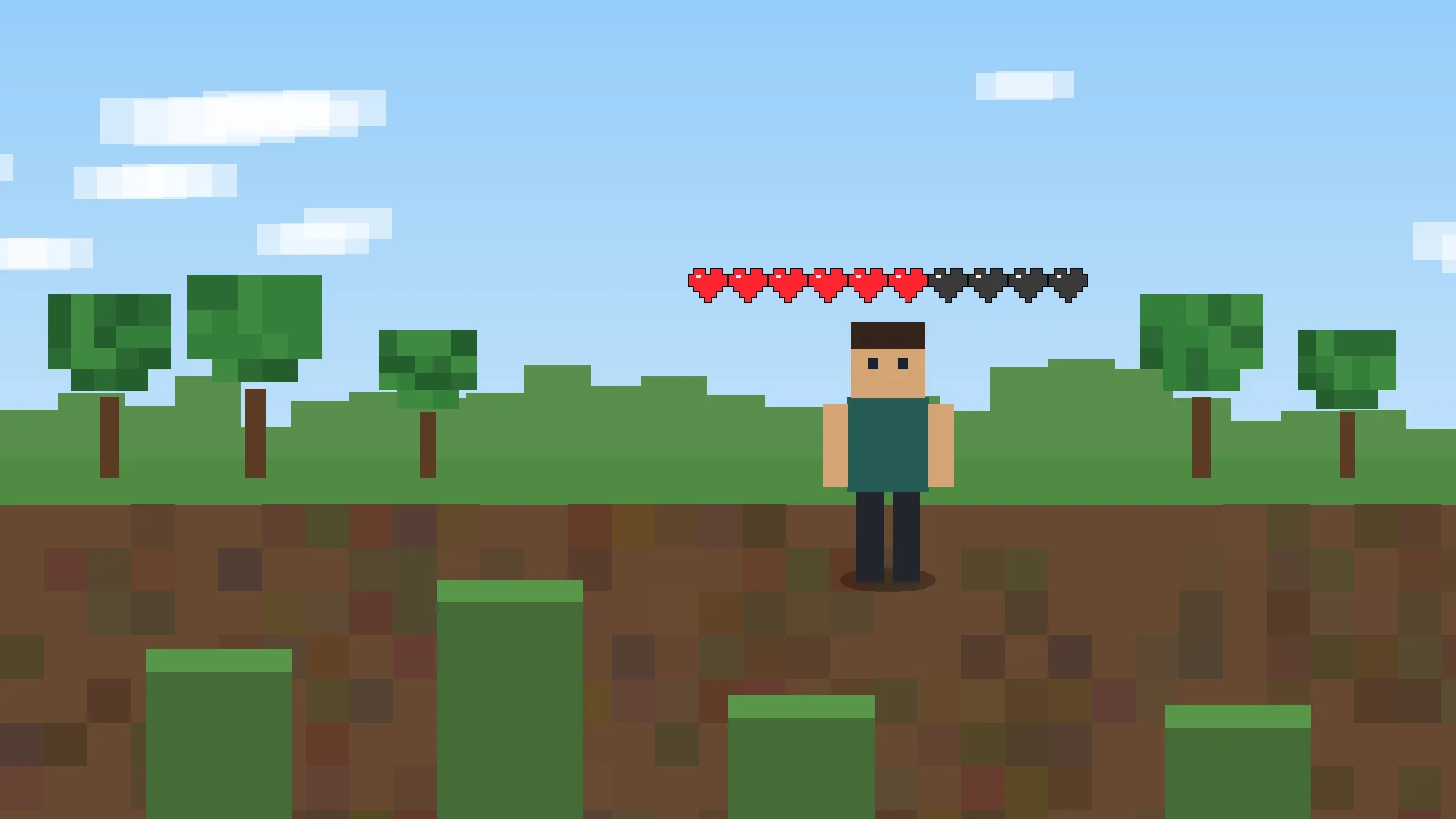
Searching for Player Health Indicator Mod Forge can easily lead to the wrong package because the original PlayerHealthIndicators project supplied for this site is not identified as a Forge mod. Its current metadata names Fabric as the loader, marks the environment as client-side, and lists Fabric API as a dependency.
Start with the loader declared by the project
For the current 1.21 master branch, the project metadata requires Fabric Loader 0.15.11 or newer and Fabric API. That is a concrete loader declaration, so a file found under a generic “Forge health indicator” search should not be assumed to be the same project. Different mods can share similar names and screenshots while using different code, dependencies, and configuration systems.
Why a Forge profile can fail immediately
A Forge profile and a Fabric mod do not share the same loader contract. Even when the Minecraft version number matches, the wrong loader can make the mod invisible to the game or stop the profile during startup. The first diagnostic question should therefore be “Is this package built for my loader?” before checking graphics settings or keybinds.
Use a clean compatibility test
Keep a working profile untouched. Duplicate or create a separate instance, confirm it launches with the intended loader, then add only the health indicator and its declared dependencies. This gives you a clear before-and-after result and avoids confusing a loader mismatch with conflicts from unrelated HUD mods.
What to do if you specifically need Forge
Treat “Player health indicator mod Forge” as a feature search rather than a guaranteed product match. If Forge is mandatory, look for a health-indicator project that explicitly names Forge or NeoForge in its own metadata. Do not rename Fabric files or move them into a Forge profile expecting conversion.
Next steps
Use the homepage for the complete feature, release, FAQ, and download overview. For a clean installation workflow, read the installation and troubleshooting guide.